

NEAA portal login instructions
1
Not registered yet?
If you have not registered, click the ‘Not registered? Click here to register’ button on the login page.

2
Complete the registration form
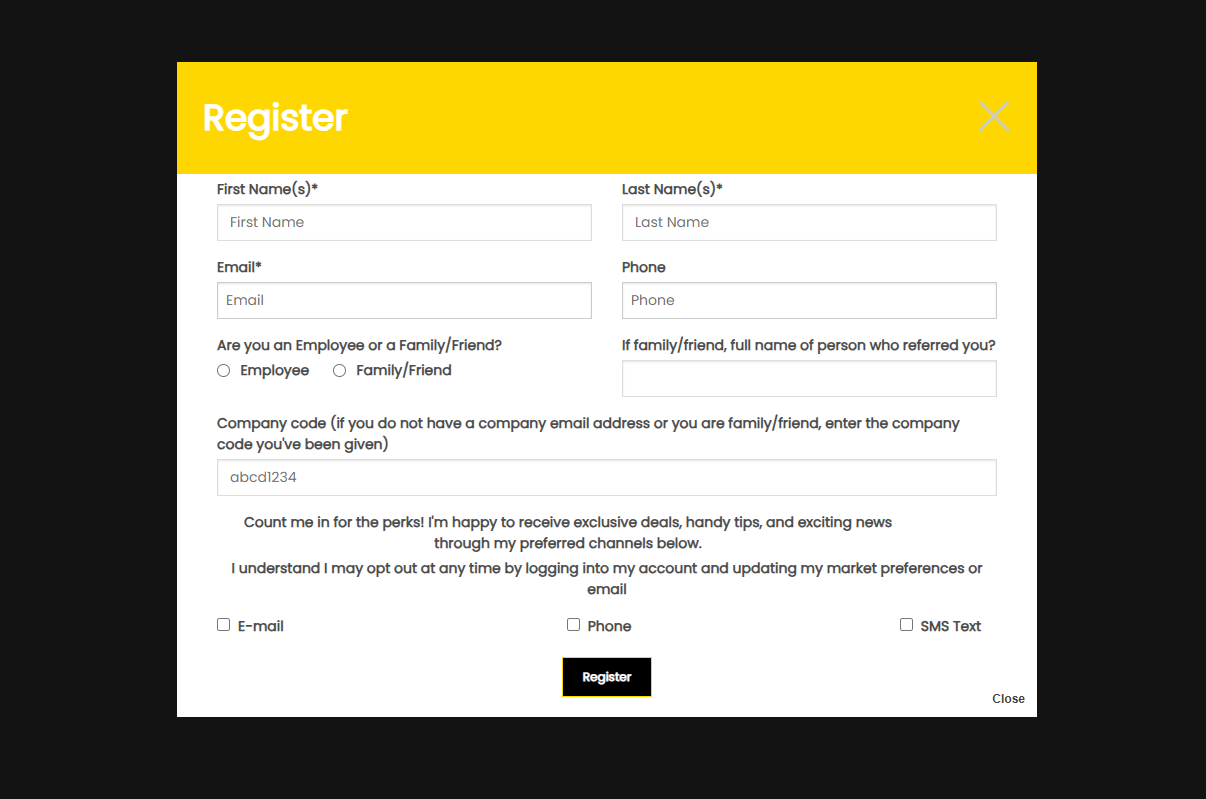
Fill in the form as shown below, then click ‘Register’.
If you have a company email address, please use it. If not, you will need to add your personal email address along with the company code — this is shown on your notice board.
3
Check your email for your password
Once registered, you will receive an email containing your password. You can change this at any time using the ‘Reset Password’ button on the login page.
4
Log in and view the latest deals
You can now log in using your email address and password to view our latest deals.